ou don't need an expensive subscription to start editing videos.
In 2026, there are more capable free video editors than ever. Some offer professional-grade color correction and audio tools. Others are designed for beginners who want to make a video quickly. Some are open-source, while others provide free versions alongside paid upgrades.
The challenge isn't finding a free video editor.
The challenge is finding the right one for your workflow.
A YouTube creator may want a powerful multi-track editor. Someone making Instagram Reels may prioritize speed and captions. A beginner may want a simple interface. A filmmaker may care more about color grading and audio post-production.
This guide compares some of the best free video editors available for Windows and Mac and explains what each one is best suited for.
Best Free Video Editors at a Glance#
| Video Editor | Best For | Windows | Mac | Free Version |
|---|---|---|---|---|
| KutCut | Modern desktop editing and creators | ✓ | ✓ | ✓ |
| DaVinci Resolve | Professional editing and color | ✓ | ✓ | ✓ |
| Shotcut | Free open-source editing | ✓ | ✓ | ✓ |
| Kdenlive | Open-source multi-track editing | ✓ | ✓ | ✓ |
| OpenShot | Beginners | ✓ | ✓ | ✓ |
| Clipchamp | Quick Windows editing | ✓ | Browser | ✓ |
| iMovie | Mac beginners | — | ✓ | ✓ |
| CapCut | Short-form social content | ✓ | ✓ | ✓ |
The right choice depends heavily on your computer, experience level, editing requirements, and the type of videos you create.
1. KutCut — Best for a Modern Desktop Editing Workflow
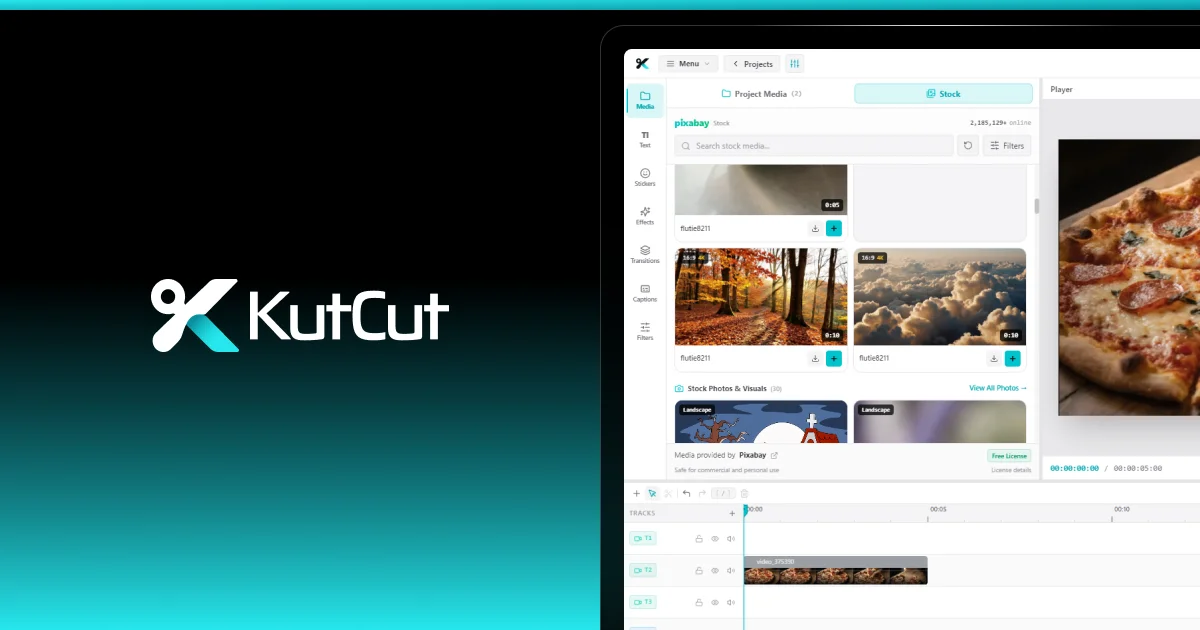
KutCut is a newer desktop-native video editor designed for creators and everyday users who want a capable editing environment without the complexity of traditional professional software.
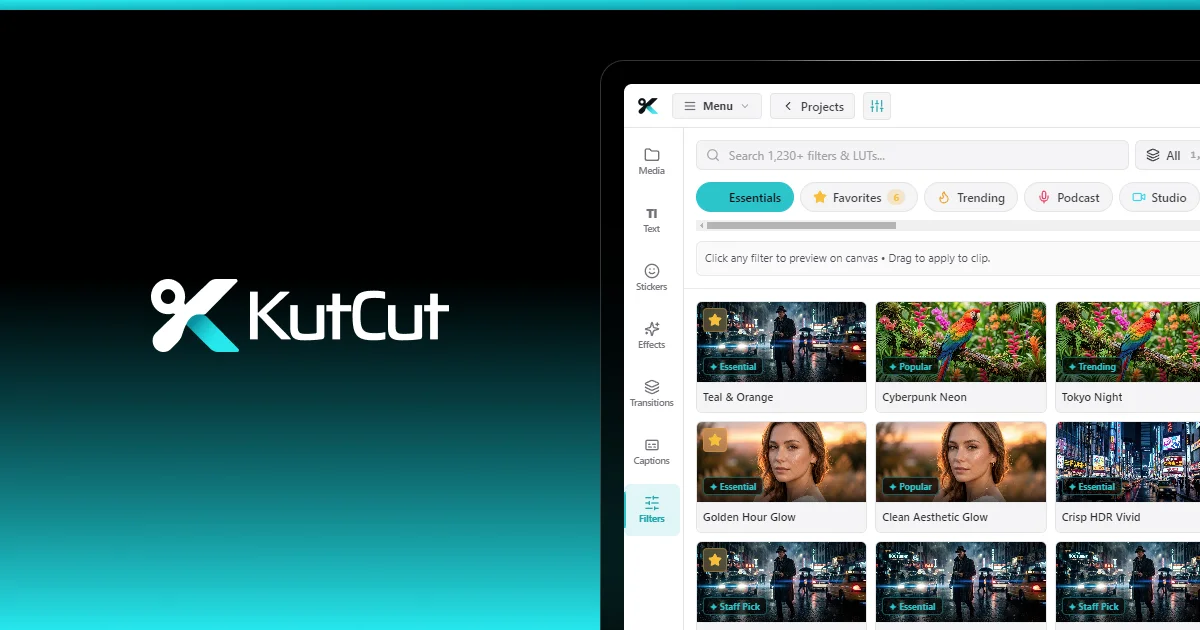
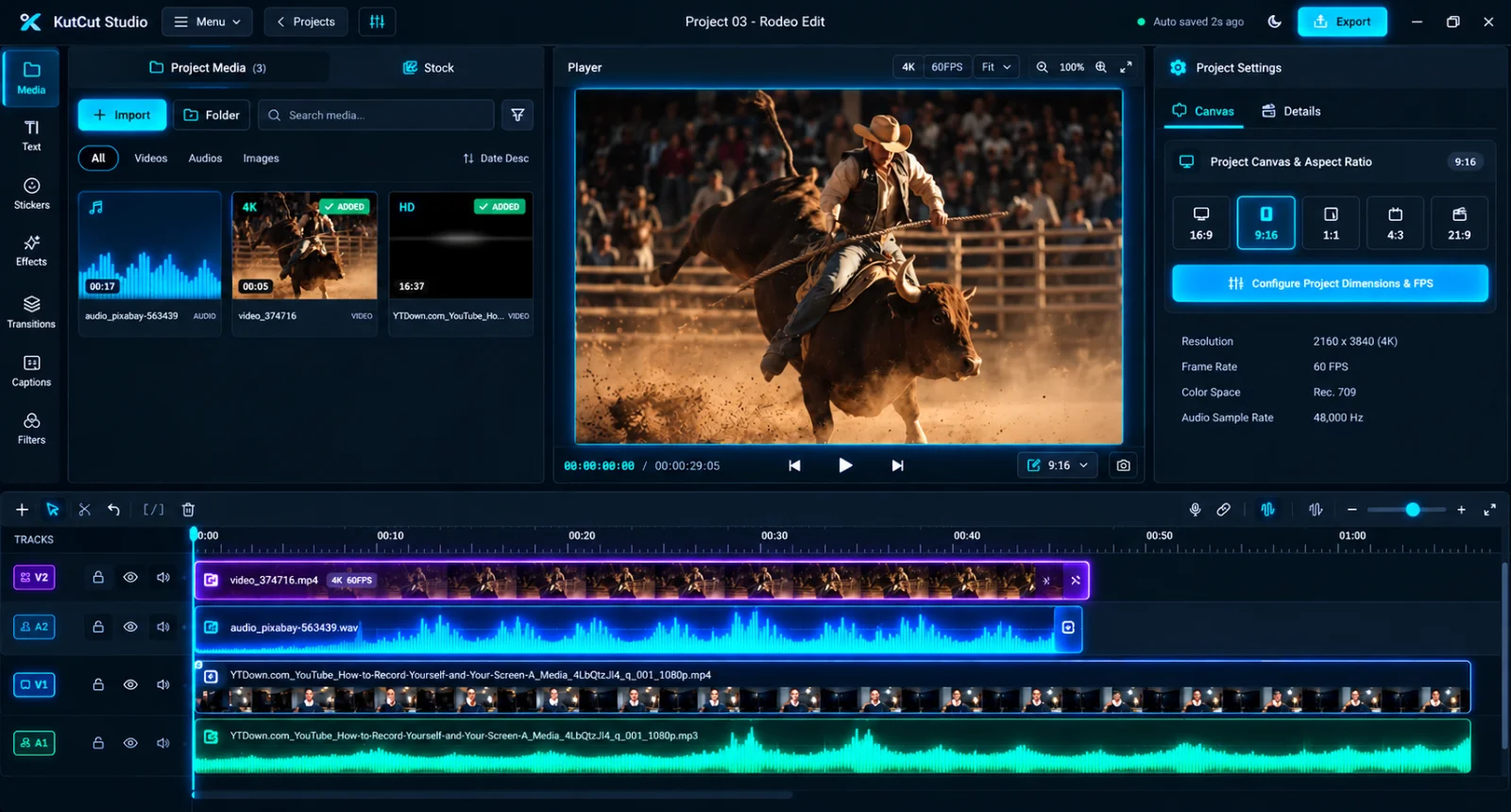
Its current release includes a multi-track magnetic timeline, Smart Auto-Captions, masking and cutout tools, color grading, keyframe animation, cinematic effects, transitions, stickers, shapes, and GPU-accelerated rendering.
KutCut is available for both Windows and macOS.
Why Choose KutCut?
KutCut focuses heavily on combining a professional editing workflow with a relatively straightforward desktop experience.
Its timeline supports unlimited non-linear video, audio, text, sticker, and caption tracks, along with magnetic snapping, automatic ripple gap closure, clip grouping, and track locking.
It also includes:
- Smart Auto-Captions
- Multi-track editing
- Color grading and filters
- Masking and cutout tools
- Keyframe animation
- Animated text
- Stickers and shapes
- Cinematic effects
- 1,000+ transitions
- GPU-accelerated rendering
- 4K/60 FPS workflows
- Auto-save and project cleanup
KutCut's website currently states that core exports have zero branding watermarks and that there is no mandatory subscription for core editing.
Best For
KutCut is particularly worth considering if you want:
- A desktop-native editor
- Windows and Mac support
- A modern multi-track timeline
- Captions and social-media editing tools
- Watermark-free core exports
- Local/offline editing
- GPU-accelerated performance
One Thing to Consider
KutCut is a relatively new editor compared with long-established applications such as DaVinci Resolve, iMovie, and Shotcut.
If you're looking for a mature ecosystem with decades of industry adoption, another editor may be a better fit.
But if you want a modern desktop editor built specifically around today's creator workflows, KutCut is worth trying.
2. DaVinci Resolve — Best for Professional-Level Free Editing
DaVinci Resolve remains one of the most capable free video editing applications available.
Its major advantage is that it isn't simply a basic free editor. The software combines editing, color correction, visual effects, motion graphics, and audio post-production into one application.
Current 2026 comparisons continue to rank its free version extremely highly, particularly for serious editors.
Why Choose DaVinci Resolve?
Its strongest areas include:
- Professional editing
- Advanced color grading
- Fusion visual effects
- Fairlight audio
- Multi-camera workflows
- Professional media management
The free version is capable enough for a wide range of serious video projects.
Best For
DaVinci Resolve is a strong choice for:
- Filmmakers
- YouTubers
- Professional editors
- Colorists
- Advanced creators
- Long-form projects
The Downside
The biggest issue for beginners isn't capability.
It's complexity.
DaVinci Resolve provides an enormous amount of control, which means there is more to learn.
If you simply want to cut a five-minute video, add captions, and publish it quickly, Resolve can feel like more software than you need.
3. Shotcut — Best Open-Source All-Rounder
Shotcut is a free, open-source video editor available across Windows, macOS, and Linux.
It is attractive for users who want traditional desktop video editing without a subscription-based ecosystem.
Current free-editor comparisons continue to list Shotcut among the strongest open-source choices.
Why Choose Shotcut?
Shotcut provides:
- Multi-track editing
- Filters
- Audio tools
- Transitions
- Wide format support
- Desktop editing
- Open-source licensing
Best For
Shotcut works well for:
- Budget-conscious creators
- Hobbyists
- Users who prefer open-source software
- Windows, Mac, and Linux users
The Downside
Its interface isn't as streamlined for some modern creator workflows as newer editors.
If your priority is animated captions, social-media workflows, or a highly polished contemporary interface, you may prefer another option.
4. Kdenlive — Best Open-Source Editor for Power Users
Kdenlive is another major open-source video editor.
It provides a traditional non-linear editing workflow and is particularly appealing to users who want substantial control without paying for commercial software.
Current 2026 comparisons place Kdenlive among the strongest free/open-source choices.
Why Choose Kdenlive?
It offers:
- Multi-track editing
- Effects
- Transitions
- Keyframes
- Audio editing
- Title tools
- Proxy workflows
- Open-source development
Best For
Kdenlive is particularly suitable for:
- Advanced hobbyists
- Open-source enthusiasts
- Linux users
- Editors who want extensive timeline control
The Downside
It has a more technical feel than some creator-focused editors.
Beginners may need more time to become comfortable with the interface.
5. OpenShot — Best for Beginners
OpenShot focuses on simplicity.
If you're opening a video editor for the first time and don't want to spend hours learning professional editing terminology, OpenShot can be an approachable starting point.
Current comparisons frequently identify it as one of the easier free editors for beginners.
Why Choose OpenShot?
It provides:
- Drag-and-drop editing
- Multiple layers
- Basic transitions
- Titles
- Effects
- Keyframe animation
- Simple timeline editing
Best For
OpenShot is a good starting point for:
- Beginners
- Students
- Personal projects
- Simple YouTube videos
- Basic editing
The Downside
Once your projects become more complicated, you may want more sophisticated performance and workflow tools.
6. Clipchamp — Best for Quick Windows Editing
Clipchamp is particularly convenient for Windows users because it is integrated into Microsoft's ecosystem and is designed around accessible editing.
Current comparisons describe it as a useful choice for quick and beginner-friendly Windows editing.
Why Choose Clipchamp?
It's useful when you want to:
- Quickly trim videos
- Create simple social content
- Add text
- Add music
- Create basic presentations
- Produce straightforward videos
Best For
Clipchamp is a good fit for:
- Windows beginners
- Office users
- Quick edits
- Simple social content
The Downside
Its free workflow has more limitations than some fully featured desktop editors, particularly around export quality and premium assets.
If you're planning larger or more complex projects, a dedicated desktop editor may provide more room to grow.
7. iMovie — Best Free Video Editor for Mac Beginners
If you use a Mac, iMovie deserves consideration simply because of how accessible it is.
It provides a relatively simple editing experience and is particularly suitable for people who don't need a professional post-production environment.
Current 2026 comparisons continue to recommend iMovie for Mac beginners.
Why Choose iMovie?
It works well for:
- Basic video editing
- Travel videos
- Family videos
- Simple YouTube projects
- Beginner creators
Best For
iMovie is particularly good for someone who wants to start editing without learning a complicated application.
The Downside
Its simplicity becomes a limitation as projects become more advanced.
Creators who need extensive timeline control, advanced effects, sophisticated captions, detailed color workflows, or more flexible professional editing may eventually need another application.
8. CapCut — Best Known for Short-Form Content
CapCut has become closely associated with short-form social video.
It is designed around fast editing, templates, captions, effects, and creator-oriented workflows.
Current comparisons continue to identify it as a strong option for social-media and short-form editing, although its free-tier limitations can vary by feature and asset.
Why Choose CapCut?
It can be useful for:
- TikTok-style videos
- Shorts
- Reels
- Fast social edits
- Caption-heavy content
The Downside
The distinction between free and paid features matters.
Premium templates, effects, AI tools, and some export workflows can introduce restrictions, so you should check the current terms for the specific features you intend to use.
Which Free Video Editor Is Best for You?
There isn't one editor that wins every category.
The best choice depends on your goals.
If You Want the Most Professional Free Editor
DaVinci Resolve
It provides an unusually deep professional toolset for a free application.
If You Want a Modern Desktop Editor for Creators
KutCut
KutCut combines a multi-track desktop workflow with captions, effects, color tools, masking, keyframes, GPU acceleration, and watermark-free core exports.
If You Want Open-Source Software
Kdenlive or Shotcut
Both are strong choices for users who prefer open-source software.
If You're a Complete Beginner
OpenShot, iMovie, or Clipchamp
The right choice depends on your operating system and how much complexity you're comfortable with.
If You Mainly Make Short-Form Social Videos
CapCut or KutCut
Both are worth considering, but they approach the creator workflow differently.
If Color Grading Is Your Priority
DaVinci Resolve
Its color workflow remains one of its biggest strengths.
What Makes a Good Free Video Editor?
Before downloading any software, evaluate it against your actual workflow.
1. Does It Export Without a Watermark?#
A free editor that puts a giant logo over every video may not be useful for professional publishing.
Always check the export policy.
2. Does It Support Multiple Tracks?#
Multiple video and audio tracks become essential as soon as you start combining B-roll, voiceovers, music, captions, and graphics.
3. Does It Support Your Operating System?#
Check whether the editor runs natively on Windows, macOS, Linux, or your specific version of the operating system.
4. Does It Handle Your Resolution?#
If you shoot in 4K, don't choose an editor without checking its actual 4K workflow.
5. Does It Have the Tools You Actually Need?#
Don't choose an editor because it has the longest feature list.
Choose one that has the tools you use.
6. Is It Fast Enough for Your Hardware?#
A feature-rich editor can still be frustrating if your computer struggles to preview or render your projects.
Hardware acceleration and efficient media handling can make a major difference.
7. Can You Learn It?#
The most powerful editor isn't necessarily the most useful editor for you.
If an application takes weeks to learn before you can comfortably make a simple video, a simpler alternative may be the better choice.
Free Doesn't Mean One-Size-Fits-All
The best free video editor depends on the person using it.
A filmmaker may prefer DaVinci Resolve.
An open-source enthusiast may choose Kdenlive or Shotcut.
A Mac beginner may be perfectly happy with iMovie.
A Windows user making quick edits may prefer Clipchamp.
A social creator may choose CapCut.
And someone looking for a newer, desktop-native editing workflow with a combination of creator-focused tools may want to try KutCut.
The important thing is to choose based on your workflow rather than the popularity of the software.
Final Verdict: Which Free Video Editor Should You Choose?
There are plenty of capable free video editors in 2026.
DaVinci Resolve remains one of the strongest choices if your priority is professional-level editing, color, effects, and audio.
Kdenlive and Shotcut are excellent alternatives if open-source software matters to you.
OpenShot is a straightforward choice for beginners.
Clipchamp is convenient for quick Windows projects.
iMovie remains an excellent starting point for Mac users.
CapCut is particularly suited to fast social-media content.
And KutCut is an interesting option for creators who want a modern desktop-native editor with multi-track editing, smart captions, color grading, masking, keyframes, effects, transitions, GPU-accelerated rendering, and zero branding watermarks on core exports.
The best part is that you don't have to make the decision based on a feature list alone.
Download the editor that fits your workflow, test it with a real project, and see how quickly you can go from raw footage to finished video.
For creators looking for a fast, modern desktop editing workflow, KutCut is free to start.