Finding a free video editor for Windows can be harder than it sounds. Many editors advertise a free version but place important features behind subscriptions, add export restrictions, or make you deal with watermarks.
If you want to edit YouTube videos, social media content, tutorials, short-form videos, gaming clips, or personal projects on a Windows PC, you need an editor that gives you a useful editing workflow without unnecessary limitations.
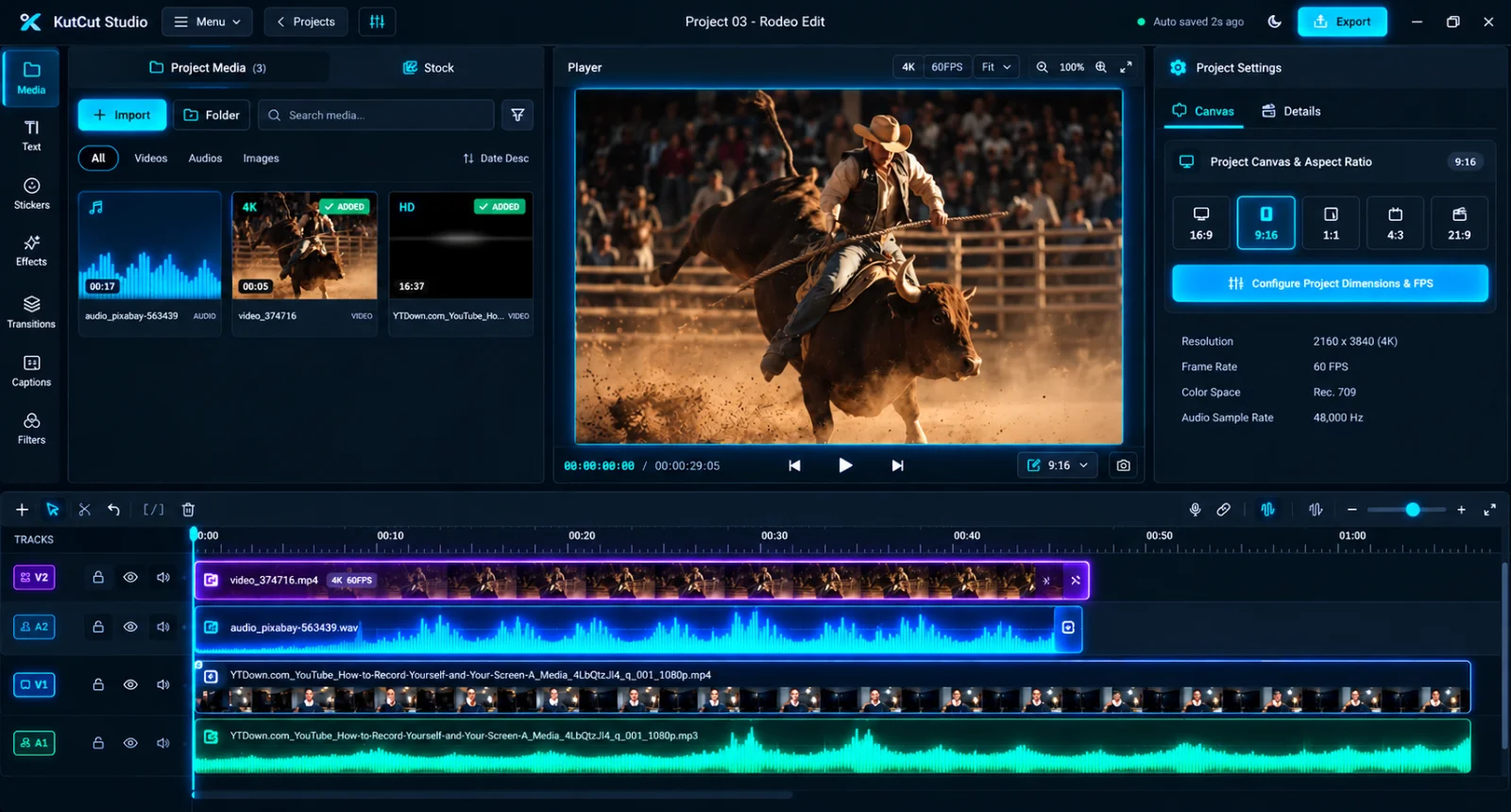
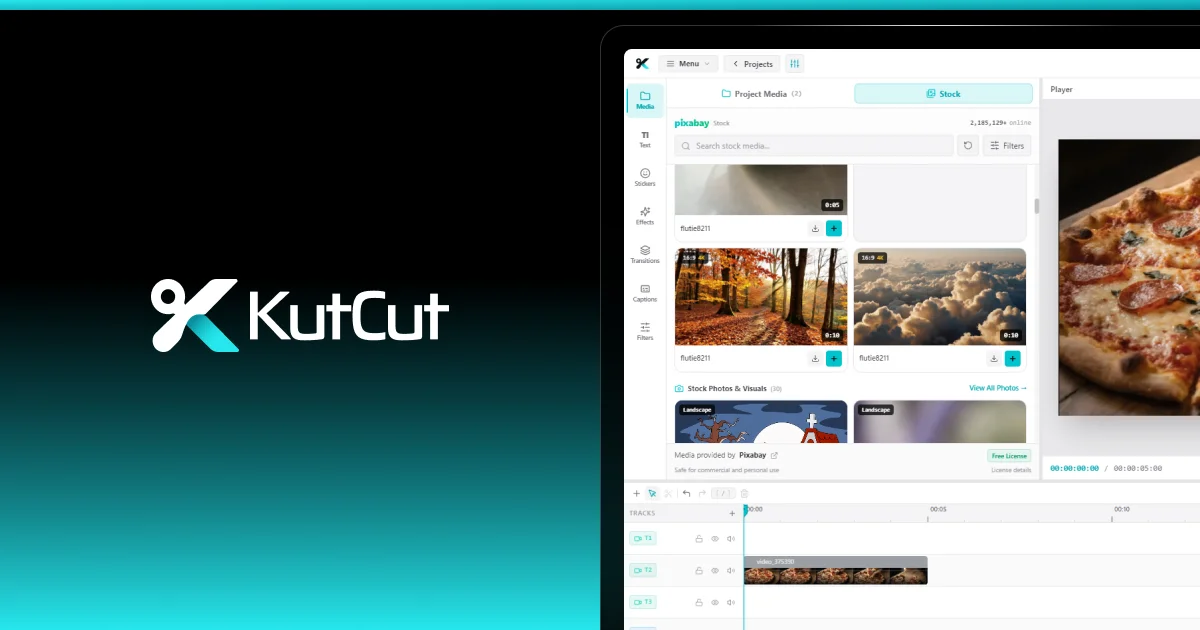
KutCut is a desktop-native video editor for Windows designed to make professional video editing faster and more accessible. It combines a multi-track timeline, GPU-accelerated rendering, captions, color tools, transitions, effects, keyframe animation, and other editing tools in a native desktop application.
The starter experience is free, and core exports have no branding watermark.
What Should You Look for in a Free Windows Video Editor?#
Not every free video editor provides the same experience. Before installing one, consider the features that actually matter for your workflow.
1. A Proper Multi-Track Timeline
A serious video editor should let you work with multiple video, audio, text, and other media layers.
A multi-track timeline makes it possible to combine:
- Main video footage
- B-roll
- Background music
- Voiceovers
- Sound effects
- Captions
- Text overlays
- Stickers and graphics
KutCut uses a multi-track, non-linear timeline designed for projects with multiple layers.
Its magnetic timeline also helps close gaps and keep edits moving efficiently.
2. Fast Rendering and Export
Video editing can put significant pressure on your computer.
A good Windows video editor should make use of available hardware instead of relying entirely on the CPU.
KutCut uses GPU acceleration for supported Windows hardware and supports high-resolution workflows, including 4K and 60 FPS projects.
The current Windows version supports Windows 10 and Windows 11 on 64-bit systems.
3. No Forced Watermark on Core Exports
One of the biggest frustrations with free video editors is finishing a project only to discover that the free export contains a large software watermark.
KutCut's website states that its core exports have zero branding watermarks.
That means you can create videos without automatically turning your finished project into an advertisement for the editor.
4. Captions and Subtitles
Captions are important for modern video content, especially for short-form social media videos.
KutCut includes an auto-caption workflow with support for multiple languages and caption styles. Its caption tools also support importing subtitle files such as SRT, VTT, and TXT, along with SRT and VTT export.
You can also edit captions and change their visual styling rather than treating subtitles as a separate post-production task.
5. Color Grading and Filters
You don't need to be a professional filmmaker to benefit from color correction.
Basic adjustments can make footage look more consistent, while creative filters can help establish a particular visual style.
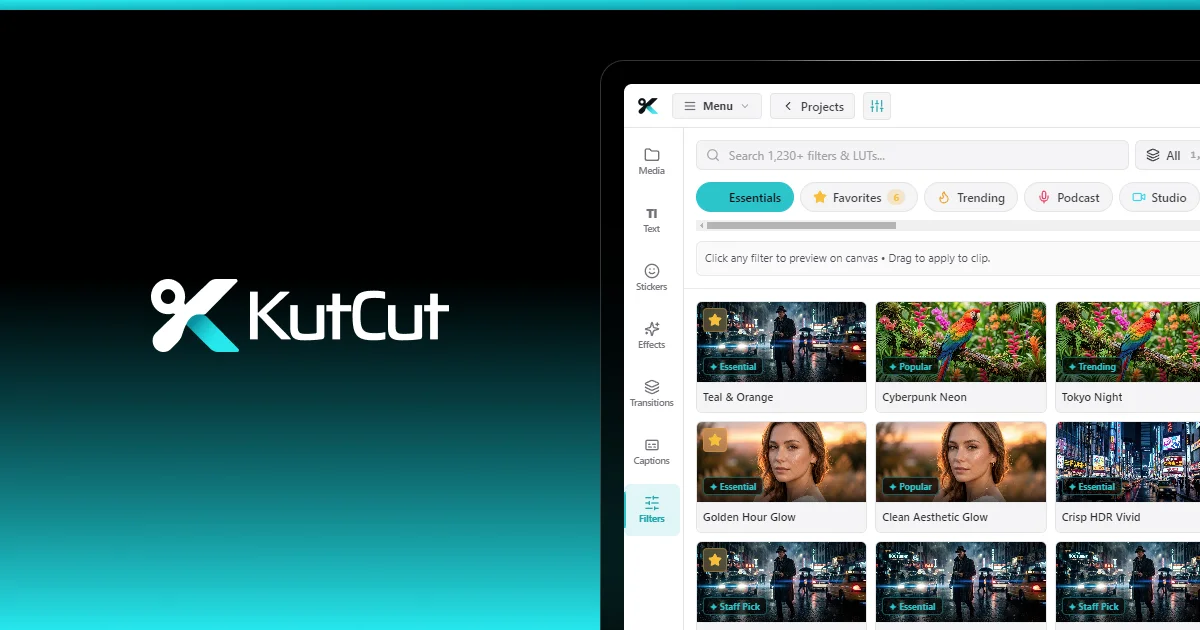
KutCut includes color grading and filter tools, including custom color corrections and LUT workflows.
This makes it possible to move from basic editing to more polished visual treatment without switching applications.
6. Text, Effects, and Transitions
A modern editor needs more than simple cutting and trimming.
For YouTube videos, social posts, tutorials, advertisements, and other content, you may need:
- Animated text
- Titles
- Transitions
- Visual effects
- Stickers
- Shapes
- Keyframe animation
- Motion elements
KutCut includes these types of tools in its desktop editing workspace, allowing you to build the finished video in one application.
Why Use a Desktop-Native Video Editor on Windows?#
Browser-based editors can be convenient, but desktop software has an important advantage: your computer can handle the editing workload directly.
KutCut is built as a desktop-native video editor, with local project workflows and hardware acceleration.
For Windows users, that means your editing environment is designed around the machine you're already using rather than requiring every part of your workflow to happen inside a browser.
KutCut also emphasizes local processing and offline privacy. Its current Windows release includes offline privacy and zero background telemetry according to the product website.
What Can You Make With a Free Windows Video Editor?#
A capable free editor can handle much more than simple home videos.
YouTube Videos
You can combine your main footage with B-roll, background music, captions, transitions, text, and other elements.
A multi-track timeline makes it easier to organize all of these components in a single project.
Short-Form Videos
Vertical content for platforms such as TikTok, Instagram Reels, and YouTube Shorts requires a different aspect ratio from traditional landscape videos.
KutCut supports vertical 9:16 projects, making it possible to create short-form content directly in the editor.
Tutorials and Educational Videos
Screen recordings, presentations, demonstrations, and tutorials often require several layers of visual and audio information.
You can combine footage, voiceover, text, captions, graphics, and other media on separate tracks.
Gaming Videos
Gaming creators often need to work with long recordings, commentary, sound effects, overlays, and multiple video layers.
A multi-track desktop editor provides the timeline structure needed to organize those elements.
Social Media Content
If you're creating content regularly, speed matters.
Reusable editing workflows, caption styles, effects, transitions, and quick timeline editing can reduce the amount of time spent on repetitive production tasks.
How to Edit a Video on Windows With KutCut#
Getting started doesn't need to be complicated.
Step 1: Install KutCut for Windows
Download the Windows version of KutCut and install it on a compatible Windows 10 or Windows 11 64-bit computer.
The current release is available directly from the KutCut website.
Step 2: Import Your Media
Bring your video clips, images, audio, and other assets into your project.
Organize the footage you need before beginning the main edit.
Step 3: Build Your Timeline
Place your primary footage on the timeline and arrange additional video and audio layers around it.
Trim unnecessary sections, close gaps, and organize the sequence until the structure of your video is clear.
Step 4: Add Captions and Text
If your video includes spoken dialogue, add captions to make the content easier to follow.
You can also use titles and animated text to highlight important information.
Step 5: Improve the Visuals
Adjust color, apply filters, add transitions, and use effects where they actually improve the story.
The goal isn't to add an effect to every cut. Good editing usually means using effects selectively.
Step 6: Review the Full Timeline
Watch the complete video before exporting.
Check:
- Cuts
- Audio levels
- Captions
- Text positioning
- Transitions
- Color consistency
- Timing
- Final resolution
Step 7: Export Your Video
When your project is ready, export it in the format and resolution appropriate for where you plan to publish it.
For social media, make sure the aspect ratio matches the destination platform.
Is KutCut Really Free?#
KutCut provides a free starter tier with core editing capabilities and zero watermarks on core exports.
The product also offers optional Pro upgrades, so users can start editing without being required to purchase a subscription before trying the software.
The exact available features and plans can change as KutCut develops, so check the official KutCut website for the latest version and current offering.
Free vs. Expensive Video Editing Software#
You don't necessarily need the most expensive editor to make a good video.
The right choice depends on what you're trying to create.
Professional film-production workflows may require specialized tools, extensive integrations, or established professional ecosystems.
But for creators, YouTubers, students, marketers, gamers, educators, and everyday users, a modern desktop editor can provide the tools needed for a large range of projects without the cost and complexity of traditional professional software.
The important question isn't simply:
"Is this editor free?"
It's:
"Can I actually finish the videos I need to make with it?"
That's where features such as a proper timeline, fast rendering, captions, effects, color tools, and watermark-free core exports become important.
Why KutCut Is Worth Trying#
KutCut is built around a straightforward idea: video editing software should be powerful without unnecessarily getting in the creator's way.
It combines a professional multi-track timeline with GPU-accelerated performance and a range of creative tools, while keeping the application desktop-native.
For someone searching for a free video editor for Windows, that combination makes KutCut worth considering.
You can start with the free version, test the workflow with your own footage, and decide whether it fits your editing needs.
Start Editing on Windows#
You don't need to spend hundreds of dollars before you can start creating videos.
If you're looking for a free video editor for Windows with a desktop-native workflow, multi-track editing, captions, color tools, effects, transitions, keyframe animation, GPU acceleration, and zero branding watermarks on core exports, KutCut is built to give you a capable place to start.
Download KutCut for Windows and start editing your next video.