Overview#
Video editing shouldn't feel like a battle against your hardware. If you are tired of sluggish scratch files, mandatory cloud logins, unexpected subscription walls, and frustrating export watermarks just to output a clean video, you aren't alone. Modern creators demand speed, privacy, and precision.
Meet KutCut—the desktop-native video editor engineered from the ground up for creators, filmmakers, and social media managers who want professional-grade power without the bloat.
1. Built for Speed: The KutCut Core Engine
Heavy projects require uncompromising performance. KutCut features a lightweight footprint (~276 MB) combined with full hardware GPU acceleration optimized for NVENC, Metal, and AMD architectures.
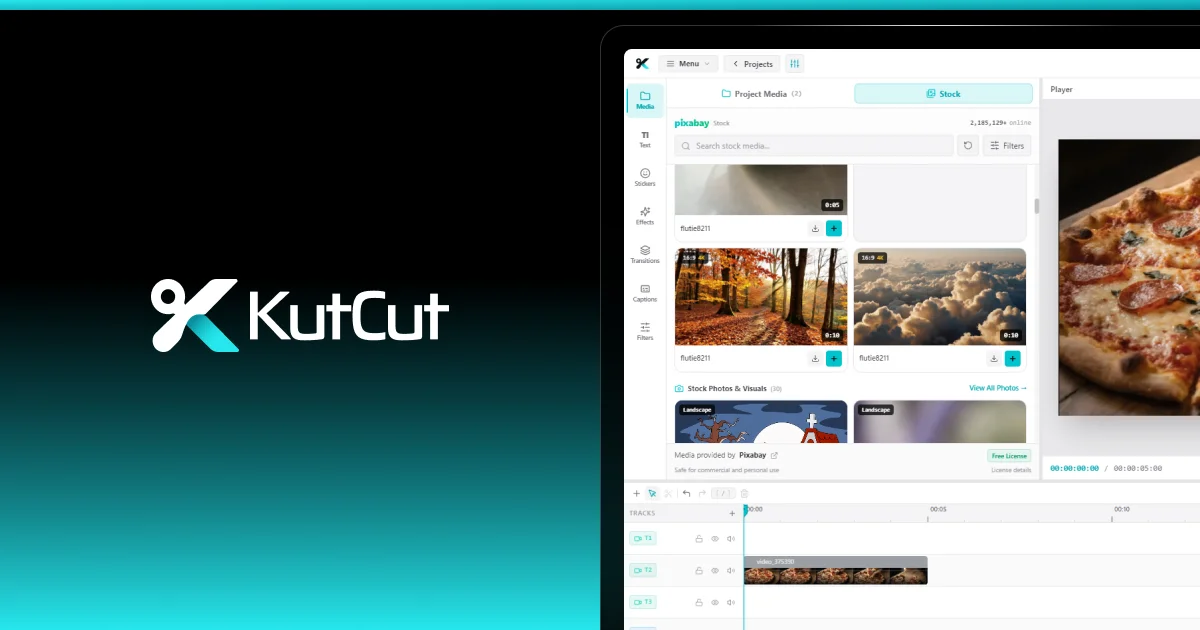
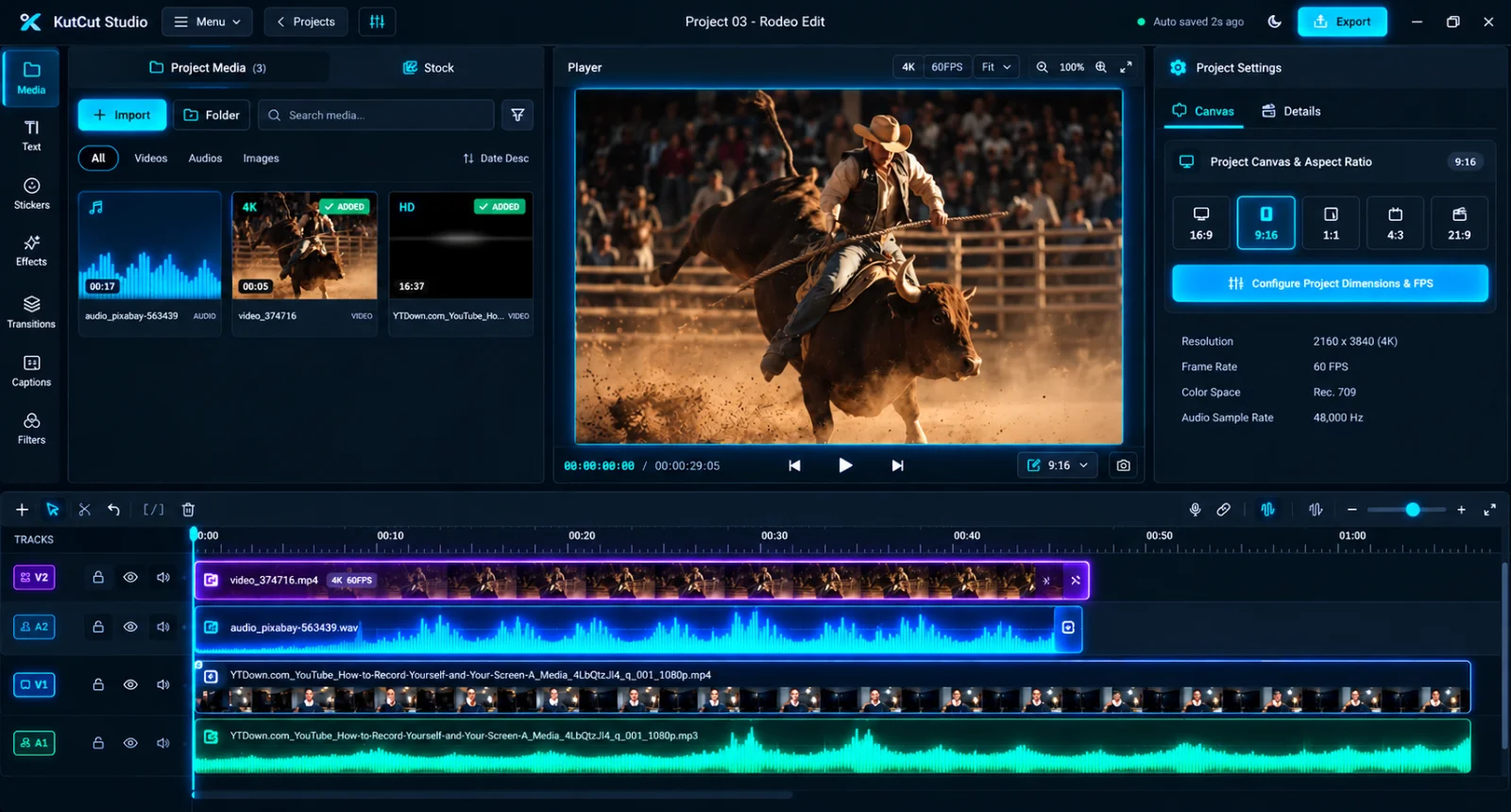
- Infinite Tracks & Magnetic Ripple Editing: Enjoy fluid ripple trimming, automatic gap closure, clip grouping, and track locking. The multi-track non-linear timeline supports unlimited layers for video, audio, text, stickers, and captions.
- Sub-Frame Precision: Work with cached high-density audio waveforms and sub-frame playhead accuracy to make razor-sharp cuts instantly.
- Blazing 4K 60FPS Rendering: Breeze through heavy multi-layered timelines with zero lag and full hardware synchronization.
2. Smart Auto-Captions & Viral Subtitles
Captions drive engagement across TikTok, YouTube Shorts, and Instagram Reels. KutCut includes a powerful built-in Smart Auto-Captions Studio right out of the box:
- Support for 20+ languages.
- Over 75+ viral styles with 1-click styling changes.
- Full word-boundary editing optimized for short-form retention.
- Comprehensive SRT, VTT, and TXT import and export capabilities.
3. Advanced Masking, Color Grading, and Effects Suite
Professional cinematic control is built right into your workspace without needing expensive external plugins:
- Masking & Cutout Studio: Multi-layer masks, advanced fake light effects, color grading, and intelligent cutout systems.
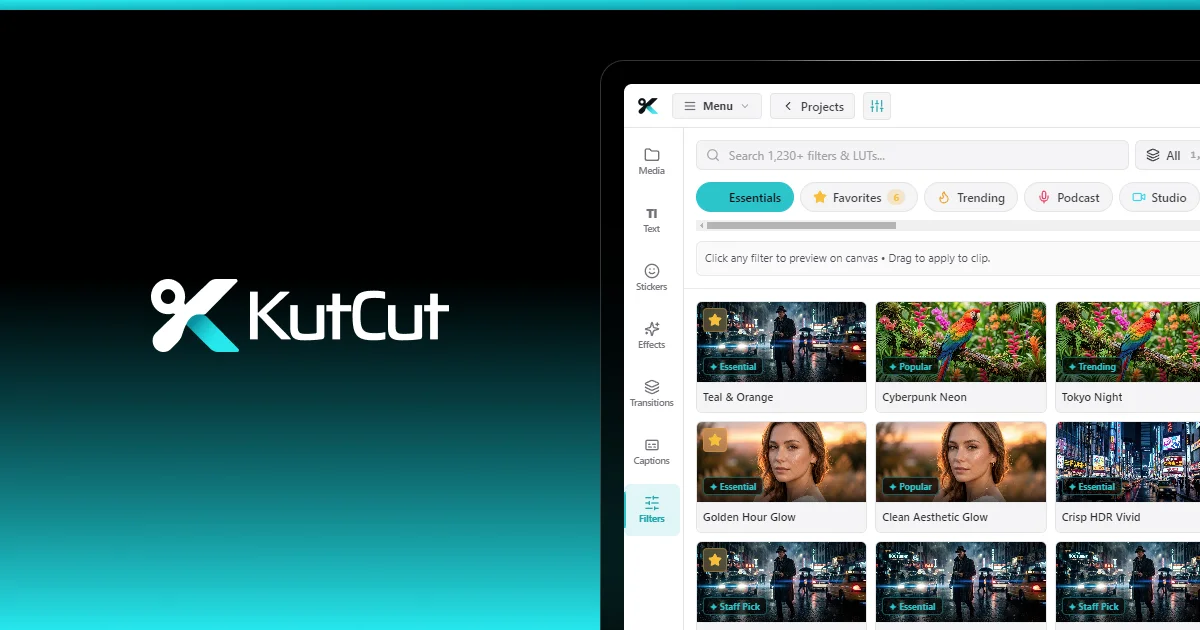
- 1,176 Filter Presets: Handcrafted cinematic, film stock, noir, and vibrant stylized filters to instantly set the right mood.
- Text & Typography: Over 84+ next-gen motion text templates featuring custom outer strokes and neon glow effects.
- Massive Library: Access over 1,000+ world-class transitions, vector shapes, and animated stickers.
- Keyframe Animation: Frame-accurate keyframing for position, scale, rotation, and opacity with instant real-time preview feedback.
4. Total Creative Freedom: Free to Start, Zero Watermarks
Unlike traditional software that locks essential features behind expensive monthly subscriptions or slaps branding watermarks on free exports, KutCut respects your work:
- Zero Core Export Watermark: Export your creations cleanly without forced branding.
- No Account Required: Jump straight into editing without mandatory cloud sign-ins or account creation walls.
- Smart Auto-Save: Built-in auto-save and intelligent project cleanup caching keep your storage light and your edits completely secure.
Ready to Elevate Your Editing Workflow?
Whether you are producing your first vlog, color grading an indie short film, or publishing daily social media content, KutCut scales seamlessly to your workflow.
Experience local performance, transparent licensing, and total creative freedom. Download KutCut for Free Today—no credit card required, instant setup, and zero watermarks on core exports.